

 Dokument
 I Word markeres Vi glæde os til møde i morgen. Ret tekst vælges i værktøjslinjen. Rettelserne vises i panelet, og først efter Indsæt står Vi glæder os til mødet i morgen i dokumentet.
Read and write with confidence
Award-winning reading and writing support for people with dyslexia.
 Gmail
Gmail SkrivSikkert
Bruges af medarbejdere hos


















































Help wherever you work
Få hjælp til at læse og skrive på tværs af dine enheder.
How the browser extension works

SkrivSikkert on iPhone and iPad
Get it on the App Store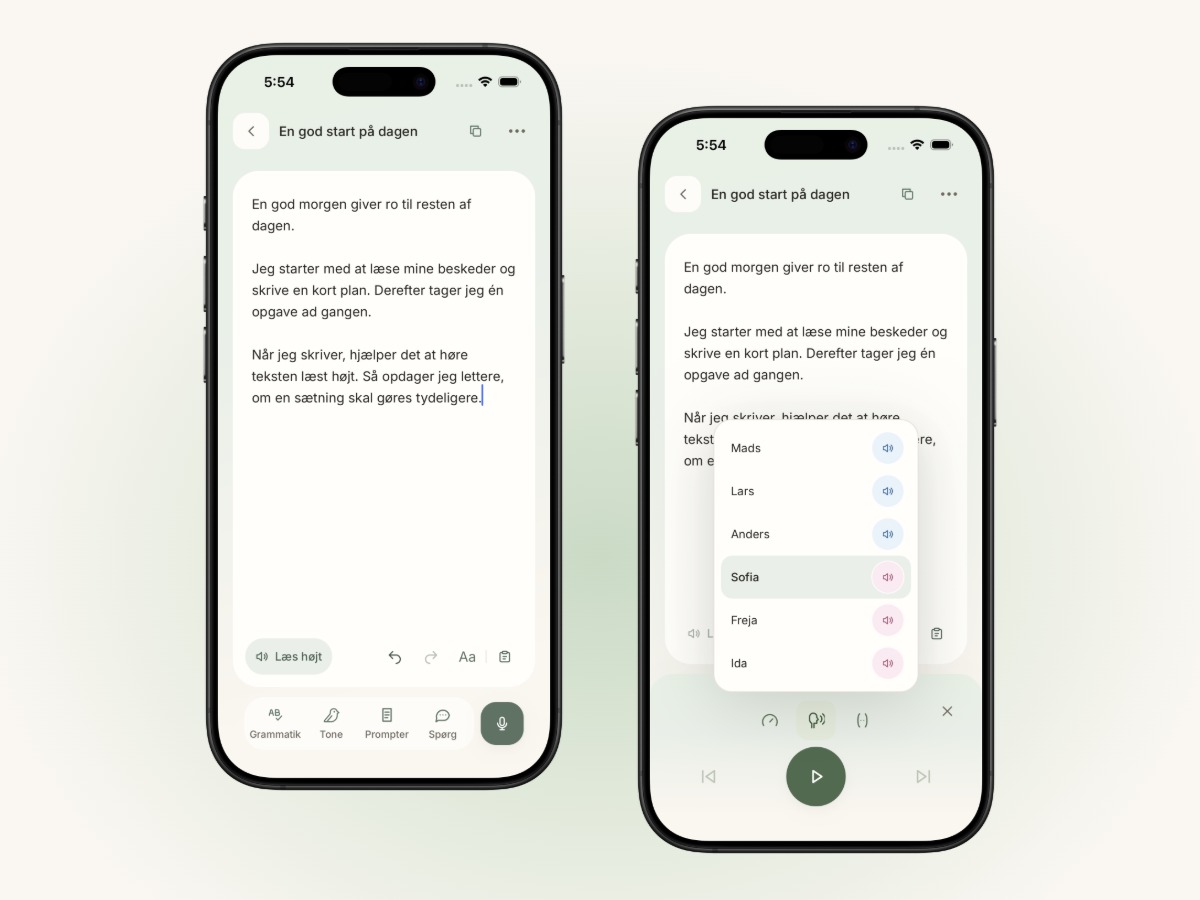
How the Windows app works
How the online platform works
Help with everyday work


Your assistive tools.
One video library.
Learn the programs you already use.
Videos and guides for reading, writing and everyday life.


